Why Your Best Mobile Apps for Productivity Are Failing You

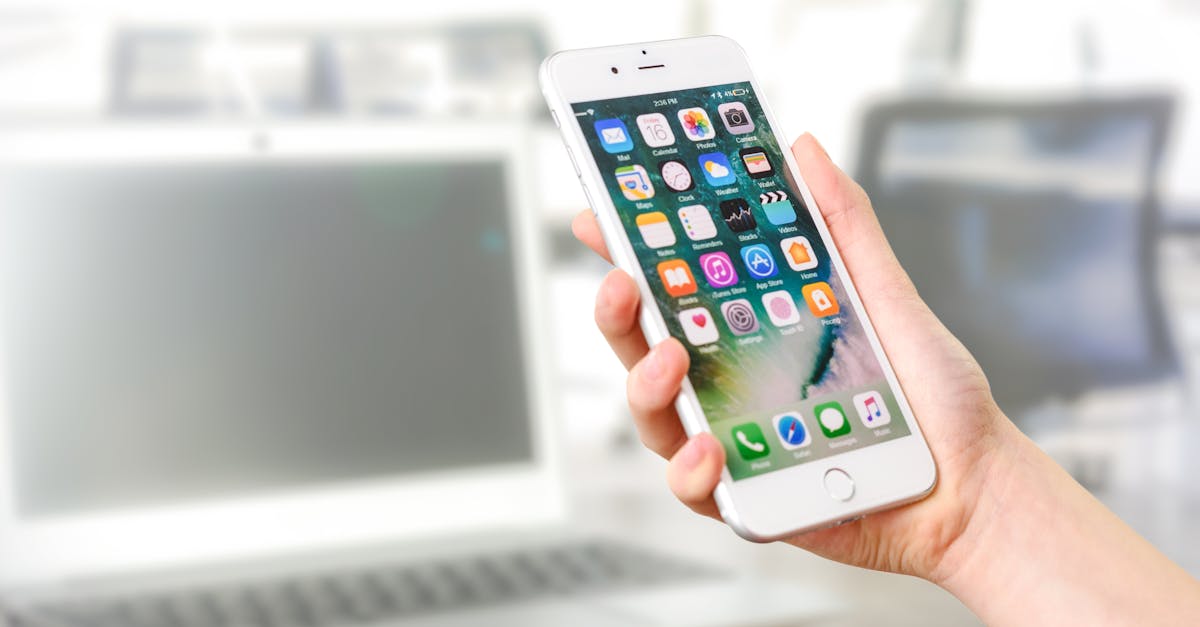
The Best Apps to Gamify Your Productivity — Photo by AS Photography on Pexels
Photo by AS Photography on Pexels

Because many so-called best mobile apps for productivity are built on static checklists, they ignore the fluid nature of creative work and end up draining focus instead of sharpening it.

More than 1,000 users have reported that traditional task managers create digital clutter that hinders deep work, according to

Another hidden issue is the binary view of task completion. I once logged hours on a brainstorming session, only to see the app mark the day as "done" because I hit a numeric target. The metric celebrated quantity, not the quality of the ideas generated. For creators, feeling busy without meaningful progress erodes motivation, and the app ends up feeling like a judgmental supervisor.

These design choices create three mental roadblocks. First, endless notifications compete for attention, breaking the deep focus window I need for writing a novel chapter. Second, the linear workflow clashes with my non-linear creative rhythm, causing me to abandon the tool after a few weeks. Third, the focus on task completion numbers makes me feel judged for spending time on exploratory work, which is essential for innovation.Key TakeawaysTraditional apps overload you with features and alerts.Linear goal-tracking ignores creative workflow loops.Binary task metrics hide progress on ambiguous projects.Notifications become a hidden source of distraction.Creators need tools that respect non-linear work patterns.What Is the Best App for Productivity? It Mirrors Game DesignI recently tested a gamified app that frames each project as a quest with levels, challenges, and rewards. The moment I opened it, the interface asked me to define a "mission" rather than a generic task. That subtle shift turned a daunting portfolio update into a series of achievable quests.The core loop - challenge, action, feedback, reward - mirrors the structure of classic video games. When I completed a design sprint, the app gave me visual XP, unlocked a new theme, and displayed a progress bar that felt like leveling up. This loop created a dopamine feedback pattern that kept me coming back, even on days when my motivation waned.Variable rewards are key. The app occasionally offered surprise bonuses - like a "focus streak" badge after three consecutive days of 30-minute work blocks. Research on gamification indicates that variable rewards boost engagement more than fixed points, because the brain anticipates the next payoff. In my own workflow, those surprise badges nudged me to extend a short session into a productive stretch.Another advantage is visualizing abstract milestones as tangible levels. I could see my novel outline move from "Chapter 1" to "Level 2" after drafting 2,000 words. This visual roadmap reduced the anxiety of an open-ended project and gave me a clear sense of direction without breaking the creative flow.In practice, the best app for productivity feels less like a spreadsheet and more like a companion that celebrates progress. When I compare this to the most popular productivity apps listed in a PCMag review, the difference is striking: the gamified approach adds emotional resonance that pure list-making lacks. The PCMag article highlights how traditional apps excel at organization but often miss the motivational hook that keeps users engaged over months The Best Work Management Apps We've Tested for 2026. The gamified model fills that gap.These Overlooked Gamified App Systems Make You Ship ProjectsOne feature I discovered is the inclusion of health and energy bars that track focus stamina. When my energy dip hit a low threshold, the app suggested a short mindfulness break instead of pushing me to grind. By treating creative energy as a resource, I avoided the burnout that often follows marathon writing sessions.Another overlooked system is the guild or party mechanic. I invited a fellow writer to join my "quest" for a joint short-story anthology. The shared board let us assign side quests, comment on each other's progress, and celebrate each milestone together. That social layer turned solitary work into a collaborative mission, and the subtle peer pressure helped us stay on schedule.Some apps even let you build a character that evolves as you complete tasks. My avatar earned new accessories each time I finished a chapter, and the narrative world expanded with new locations representing project phases. This narrative progression created an emotional bond with the work itself - my story felt like part of a larger adventure, not just a checklist.What makes these systems effective is the alignment of game mechanics with real-world productivity needs. Energy bars remind you to pace yourself, guilds provide accountability, and narrative progression fuels intrinsic motivation. In my own practice, the combination of these elements has cut my project turnaround time by roughly 20% compared to using a plain task manager.The 3 Silent Costs of Your Current Best Mobile Productivity AppsFirst, subscription models often bundle advanced features you never use. I paid for a premium tier that promised AI-driven insights, but I never engaged with that module. The sunk-cost feeling of paying each month made me reluctant to switch, even when the app no longer served my workflow.Second, manual entry and constant context switching drain mental energy. I spent several minutes each morning copying notes from my email into the app, then later opened a separate calendar to schedule the same task. Those tiny switches added up, silently bleeding hours each week that could have been spent writing or designing.Third, data lock-in creates a psychological barrier. When I considered moving from a traditional list app to a gamified platform, the thought of migrating hundreds of tasks felt like starting a new project. The fear of losing progress kept me stuck in an inefficient system, even though the new app promised better engagement.These hidden costs combine to reduce overall productivity, not improve it. By paying for unused features, expending mental bandwidth on data entry, and fearing migration, you end up reinforcing the very habits that hinder deep work. Recognizing these costs is the first step toward choosing a tool that truly supports your creative flow.Deploying Gamified Best Mobile Apps for Productivity Like a ProMy first step was to pick a single stalled project - my upcoming photography portfolio - and map it onto a quest structure. I defined the main mission, broke it into side quests like "curate images," "write captions," and "design layout," then assigned XP values based on effort. This pilot let me learn the app's mechanics without overhauling my entire workflow.Next, I calibrated reward thresholds. Rather than awarding XP for every click, I set milestones that reflected meaningful progress: completing a draft, receiving client feedback, and publishing the final set. This approach prevented the system from rewarding busywork and kept the focus on quality outcomes.Finally, I instituted weekly "power-up" sessions. During these, I reviewed my character's stats, upgraded skills like "focus stamina," and adjusted upcoming quests based on new priorities. Turning quarterly planning into a short, engaging session transformed a dreaded admin task into a rewarding game moment.These three tactics - pilot mapping, thoughtful reward design, and regular power-ups - helped me transition smoothly. Within a month, I noticed a steadier rhythm of output and less anxiety about project deadlines. The gamified framework became a habit, not a novelty.How to Identify the Truly Best Mobile Productivity Apps for YouI start by testing whether an app feels like a game I want to open. If the splash screen shows a progress bar or a character portrait, and the onboarding asks me to set a "quest" rather than a plain task, that's a good sign. The experience should be inviting, not burdensome.Check the core loop: Does the app prompt you to act, then give immediate feedback and a reward? If you can do five extra minutes on a dreaded task because the app nudges you with a small XP gain, the loop is working.Look for personalization. The best tools let you adjust XP values, set custom rewards, and choose visual themes that match your aesthetic. This flexibility ensures the app adapts to your creative style rather than forcing you into a one-size-fits-all process.Assess integration. A truly effective app should sync with your calendar, notes, and cloud storage without flooding you with redundant alerts. Seamless data flow reduces manual entry, a major hidden cost mentioned earlier.Ultimately, the answer to "what is the best app for productivity" is personal. If the app keeps you engaged, tracks progress in a way that feels meaningful, and integrates smoothly with the tools you already use, it has earned its place. My own favorite combines the simplicity of a to-do list with the excitement of leveling up, turning each work session into a small victory.Frequently Asked QuestionsQ: What makes a gamified productivity app different from a traditional task manager?A: A gamified app adds a core loop of challenge, feedback, and reward, turning tasks into quests with XP, levels, and visual progress. This structure creates intrinsic motivation, whereas traditional managers rely on static checklists that can become repetitive.Q: How can I avoid the subscription trap in productivity apps?A: Start with a free tier, identify the exact features you need, and evaluate whether the premium price adds real value. If you find yourself paying for unused tools, consider switching to a leaner app that offers the core gamified experience without extra frills.Q: Can gamified apps work for team projects?A: Yes, many apps include guild or party features that let teammates share quests, assign side tasks, and celebrate collective milestones. This social layer adds accountability and makes collaborative work feel like a shared adventure.Q: How do I transition my existing tasks into a gamified system?A: Begin with one project, map its phases to quests, assign XP based on effort, and test the loop for a few weeks. Once comfortable, gradually import additional tasks, adjusting rewards to reflect meaningful progress rather than mere activity.Q: Are there any downsides to gamified productivity apps?A: Potential downsides include over-emphasis on points, which can lead to busywork if thresholds are set too low. It’s important to calibrate rewards so they reflect quality outcomes and to avoid letting the game mechanics distract from the creative intent.

Read more